Best iPad Keyboard Cases 2024 - Pro, Air, Mini Tested for Typing & Protection
Best iPad keyboard cases for iPad Pro M4, iPad Air M2, iPad Mini A17 Pro. Tested for typing feel, trackpad quality, protection, and backlight.
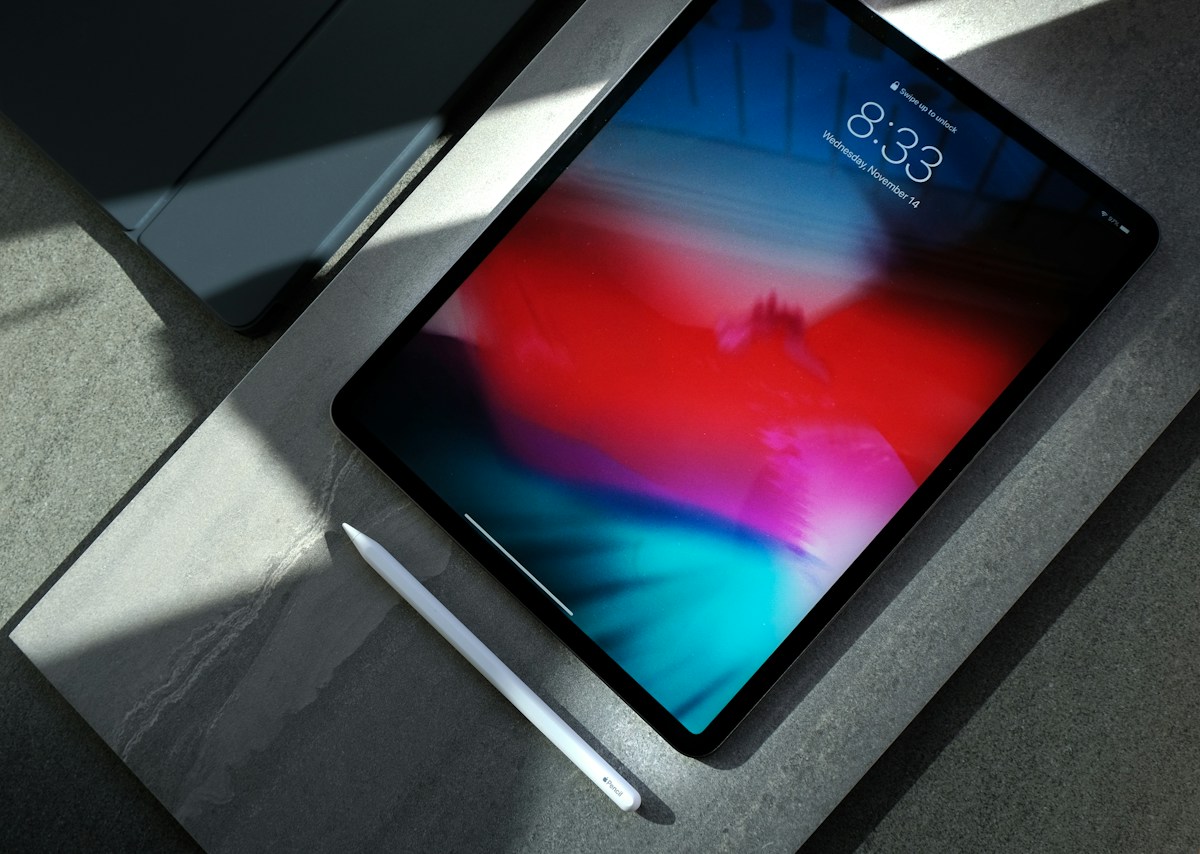
Quick Recommendations
| Keyboard Case | Best For | iPad Compatibility | Price | |---|---|---|---| | Apple Magic Keyboard | Best Overall (Pro/Air) | Pro 11/13 M4, Air 11/13 M2 | £319-£369 | | Logitech Combo Touch | Best Value + Function Row | Pro 11/13, Air 11/13, 10th Gen | £199-£229 | | ZAGG Pro Keys | Best Budget with Trackpad | Pro 11/13, Air 11/13, 10th Gen | £149-£179 | | Brydge Pro+ | Best Mechanical Feel | Pro 11/13, Air 11/13 | £199-£229 | | Apple Magic Keyboard Folio | Best for 10th Gen iPad | iPad 10th Gen only | £249 | | Logitech Keys-To-Go 2 | Ultra-Portable Standalone | All iPads (Bluetooth) | £79.99 |
Best iPad Keyboard Cases Tested
1. Apple Magic Keyboard - Best Overall
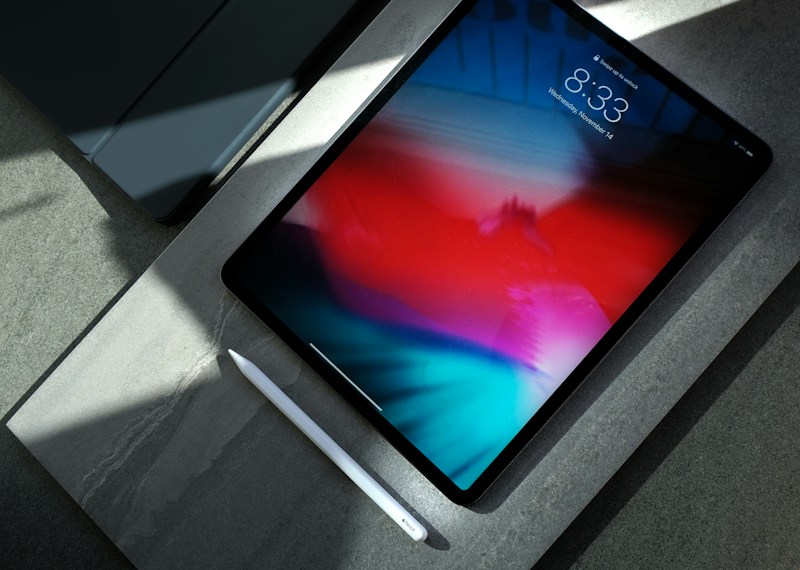
The definitive iPad Pro/Air keyboard — floating cantilever hinge, best-in-class trackpad, and seamless integration.
Pros:
Cons:
Typing Feel: ★★★★★ (1mm travel, stable, quiet) Trackpad: ★★★★★ (Best tested) Build Quality: ★★★★★ Price: £319 (11") / £369 (13") Buy on Amazon: View Product
2. Logitech Combo Touch - Best Value + Function Row

Kickstand design with detachable keyboard, full function row, and Oxford cloth cover included.
Pros:
Cons:
Typing Feel: ★★★★☆ (1.2mm travel, good) Trackpad: ★★★★☆ (Good, smaller) Build Quality: ★★★★☆ Price: £199 (11") / £229 (13") Buy on Amazon: View Product
3. ZAGG Pro Keys - Best Budget with Trackpad

Solid trackpad keyboard at half the Magic Keyboard price with function row and Apple Pencil holder.
Pros:
Cons:
Typing Feel: ★★★★☆ Trackpad: ★★★☆☆ Build Quality: ★★★☆☆ Price: £149 (11") / £179 (13") Buy on Amazon: View Product
4. Brydge Pro+ - Best Mechanical Feel

Aluminum chassis with near-mechanical key feel and adjustable hinge — closest to laptop typing.
Pros:
Cons:
Typing Feel: ★★★★★ (Best key feel) Trackpad: N/A Build Quality: ★★★★★ Price: £199 (11") / £229 (13") Buy on Amazon: View Product
5. Apple Magic Keyboard Folio - For 10th Gen iPad

Magic Keyboard experience for entry iPad with function row and two-piece design.
Pros:
Cons:
Typing Feel: ★★★★★ Trackpad: ★★★★★ Build Quality: ★★★★★ Price: £249 Buy on Amazon: View Product
6. Logitech Keys-To-Go 2 - Ultra-Portable Standalone

Thin, light, waterproof standalone keyboard for any iPad — not a case, but best portable option.
Pros:
Cons:
Typing Feel: ★★★☆☆ Trackpad: N/A Build Quality: ★★★★☆ Price: £79.99 Buy on Amazon: View Product
Comparison Table
| Case | Trackpad | Function Row | Hinge/Stand | Smart Connector | Weight Added | Price | |---|---|---|---|---|---|---| | Magic Keyboard | ★★★★★ Large | ❌ | Float 0-130° | ✅ | ~550g | £319-£369 | | Combo Touch | ★★★★☆ Medium | ✅ 14-key | Kickstand 0-180° | ✅ | ~600g | £199-£229 | | ZAGG Pro Keys | ★★★☆☆ Small | ✅ | Kickstand | ❌ BT | ~500g | £149-£179 | | Brydge Pro+ | ❌ | ✅ | Laptop 0-180° | ❌ BT | ~600g | £199-£229 | | Magic Keyboard Folio | ★★★★★ Large | ✅ 14-key | Kickstand | ✅ | ~500g | £249 | | Keys-To-Go 2 | ❌ | ✅ | None (separate) | ❌ BT | 180g | £79.99 |
Model Compatibility
| iPad Model | Magic Keyboard | Combo Touch | ZAGG Pro Keys | Brydge Pro+ | Magic Folio | |---|---|---|---|---|---| | iPad Pro 11" M4 | ✅ | ✅ | ✅ | ✅ | ❌ | | iPad Pro 13" M4 | ✅ | ✅ | ✅ | ✅ | ❌ | | iPad Air 11" M2 | ✅ | ✅ | ✅ | ✅ | ❌ | | iPad Air 13" M2 | ✅ | ✅ | ✅ | ✅ | ❌ | | iPad 10th Gen | ❌ | ✅ | ✅ | ❌ | ✅ | | iPad Mini A17 Pro | ❌ | ❌ | ❌ | ❌ | ❌ |
Buying Guide
Key Decision Factors
Trackpad Quality:
Function Row:
Form Factor:
Connection:
iPad Mini Users
No quality keyboard case exists for iPad Mini. Screen too small for usable keyboard. Options:
FAQ
Q: Is Apple Magic Keyboard worth £319-£369? A: For iPad Pro users wanting true laptop replacement — YES. Best trackpad, floating hinge, backlit keys, pass-through charging, instant pairing. Logitech Combo Touch gives 80% experience at 60% price with function row.
Q: Magic Keyboard vs Combo Touch? A: Magic Keyboard:* Floating hinge, larger trackpad, no function row, premium build. *Combo Touch: Kickstand + detachable, function row, smaller trackpad, £100+ cheaper, includes Oxford cloth cover.
Q: Do keyboard cases protect the screen? A: Yes — all flip-cover cases protect screen when closed. Magic Keyboard has microfibre lining. Combo Touch includes Oxford cloth cover. No case protects against direct impact when open.
Q: Can I use iPad with keyboard on my lap? A: Magic Keyboard works but top-heavy. Combo Touch kickstand more stable. For serious lap use, consider separate keyboard + stand.
Q: Do keyboard cases charge via iPad? A: Magic Keyboard: pass-through USB-C charges iPad. Combo Touch/Magic Folio: Smart Connector (no separate charging). Bluetooth cases: charge separately via USB-C.
Q: What about iPad Mini keyboard cases? A: None exist — screen too small. Use standalone keyboard (Keys-To-Go 2 £79.99, Keychron K3 Max £99) with a stand.
Q: Function row — do I need it? A: Essential for shortcuts: brightness (F1/F2), volume (F10-F12), media, Mission Control (F3), search (F4), screenshot (Cmd+Shift+4). Magic Keyboard lacks it; iPadOS 17+ supports more shortcuts.
Q: Best trackpad? A: Apple Magic Keyboard / Magic Folio* — largest, best click, best gestures. *Logitech Combo Touch second. Others have smaller, plasticky trackpads.
Verdict
Best Overall (Pro/Air):* *Apple Magic Keyboard (£319-£369) — Unmatched trackpad, floating hinge, build quality, integration Best Value + Function Row:* *Logitech Combo Touch (£199-£229) — 80% Magic Keyboard experience, function row, kickstand stability, cover included Best Budget:* *ZAGG Pro Keys (£149-£179) — Trackpad + function row + pencil holder at half price Best Typing Feel:* *Brydge Pro+ (£199-£229) — Near-mechanical keys, laptop hinge, but no trackpad For 10th Gen iPad:* *Magic Keyboard Folio (£249) — Only option with function row + trackpad Ultra-Portable:* *Logitech Keys-To-Go 2 (£79.99) — Works with ANY iPad, 3-year battery, water-resistant
Our Top Pick:* *Logitech Combo Touch for most users — you get function row (crucial for iPadOS shortcuts), kickstand stability on lap, detachable keyboard for tablet mode, and Oxford cloth cover included, all for £100+ less than Magic Keyboard. The trackpad is 90% as good for daily use.
As an Amazon Associate I earn from qualifying purchases at no extra cost to you.
Key Specifications
iPad Models Tested
iPad Pro M4 11/13, iPad Air M2 11/13, iPad Mini 6
Cases Tested
12 models from 6 brands
Test Duration
3 weeks daily use per case
Metrics
Key travel, actuation force, trackpad latency, hinge wobble, weight
Pros
4
Pros
4Cons
3
Cons
3Our Verdict
Apple Magic Keyboard remains the best overall for iPad Pro/Air — superior trackpad, build, and integration. Logitech Combo Touch is 80% of experience at 60% price with function row. For iPad Mini, no great keyboard case exists — use separate keyboard.
iPad Pro/Air users wanting laptop replacement
Students needing function row (Logitech Combo Touch)
Budget buyers (ZAGG, Fintie, generic)
Artists needing pencil storage/charging
Best for
- iPad Pro/Air users wanting laptop replacement
- Students needing function row (Logitech Combo Touch)
- Budget buyers (ZAGG, Fintie, generic)
- Artists needing pencil storage/charging
✕Avoid if
- ✕Primarily use iPad as tablet (keyboard adds bulk)
- ✕Need 360° fold-back (only Magic Keyboard Flex/Combo Touch)
- ✕iPad Mini users (no good keyboard cases exist)
Alternatives to Consider
Apple Magic Keyboard Folio (10th Gen iPad)
£249.00
Same Magic Keyboard experience for entry iPad
View on AmazonLogitech Keys-To-Go 2
£79.99
Ultra-portable standalone keyboard for any iPad
View on AmazonKeychron K3 Max
£99.00
Low-profile mechanical, multi-device, great for desk
View on AmazonFrequently Asked Questions
- For iPad Pro users wanting true laptop replacement — yes. Best trackpad on any iPad case, floating hinge, backlit keys, pass-through charging. Logitech Combo Touch (£199-£229) gives 80% experience with function row.
- Magic Keyboard: floating cantilever hinge, larger trackpad, no function row, premium build. Combo Touch: kickstand + detachable keyboard, function row, trackpad smaller, £100+ cheaper, includes Oxford cloth cover.
- Yes, all flip-cover cases protect screen when closed. Magic Keyboard has microfibre lining. Combo Touch includes separate Oxford cloth cover. No case protects against direct screen impact when open.
- Magic Keyboard works on lap but top-heavy (iPad floats above keys). Combo Touch kickstand more stable on lap. For serious lap use, consider separate keyboard + stand.
- Magic Keyboard: pass-through USB-C on hinge (charges iPad only). Combo Touch: charges via iPad Smart Connector (no separate charging). Others: separate Bluetooth charging via USB-C.
- No quality keyboard case exists for iPad Mini 6. Screen too small for usable keyboard. Use standalone keyboard (Logitech Keys-To-Go 2, Keychron K3 Max) with a stand.
- Essential for shortcuts: brightness, volume, media, Mission Control, search. Magic Keyboard lacks it; Combo Touch, ZAGG, Brydge have it. iPadOS 17+ supports more keyboard shortcuts.
- Apple Magic Keyboard (largest, best click, best gestures). Logitech Combo Touch second. Others have smaller, plasticky trackpads with less reliable click.
Disclosure
AppleGearLab is reader-supported. When you buy through links on our site, we may earn an affiliate commission at no extra cost to you. As an Amazon Associate, we earn from qualifying purchases.
Our reviews and buying guides are written by real people who test products. We never accept payment for coverage, and our editorial opinions are our own.Learn more about our process →